Designers already use AI individually. The problem is that teams have no shared structure for it.
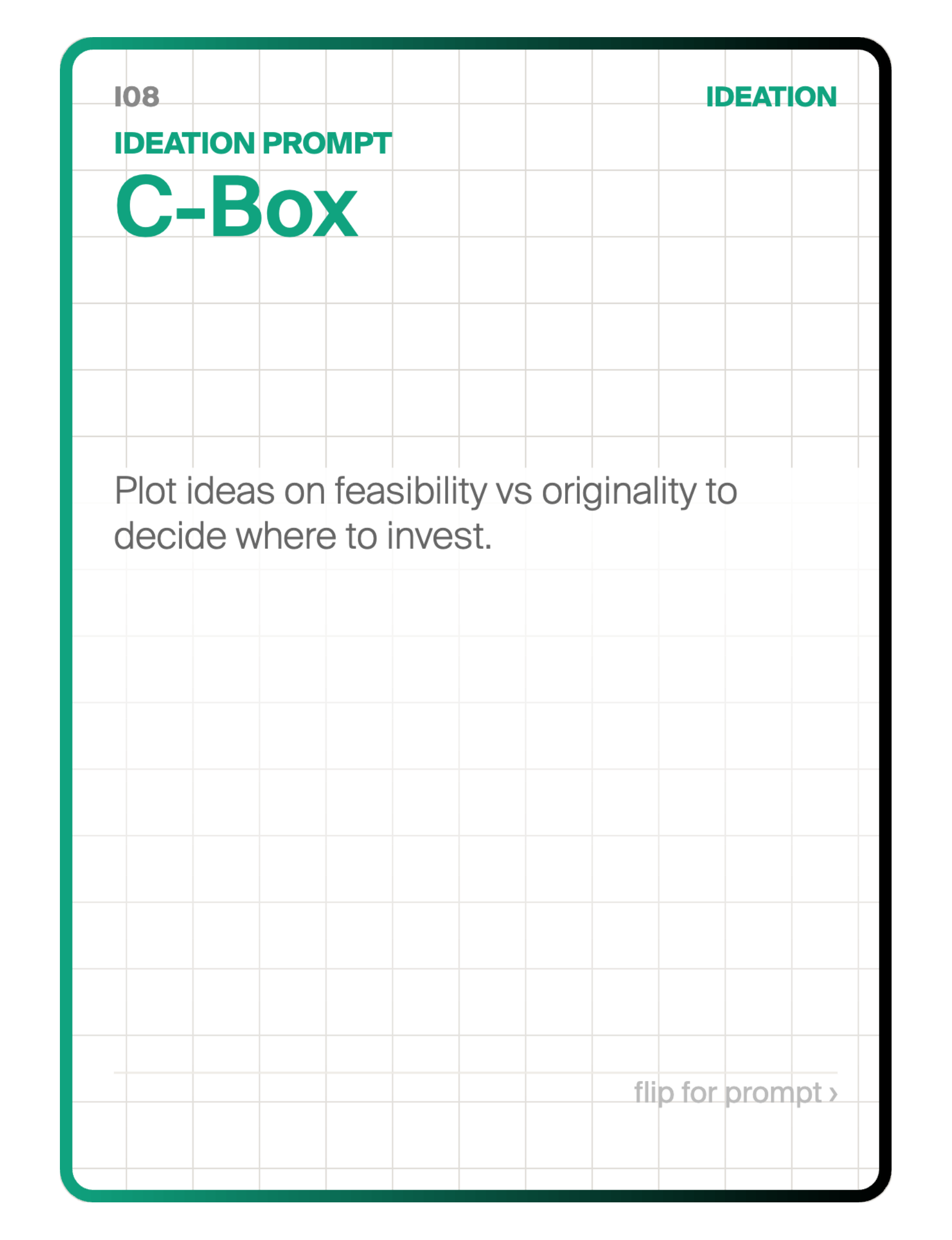
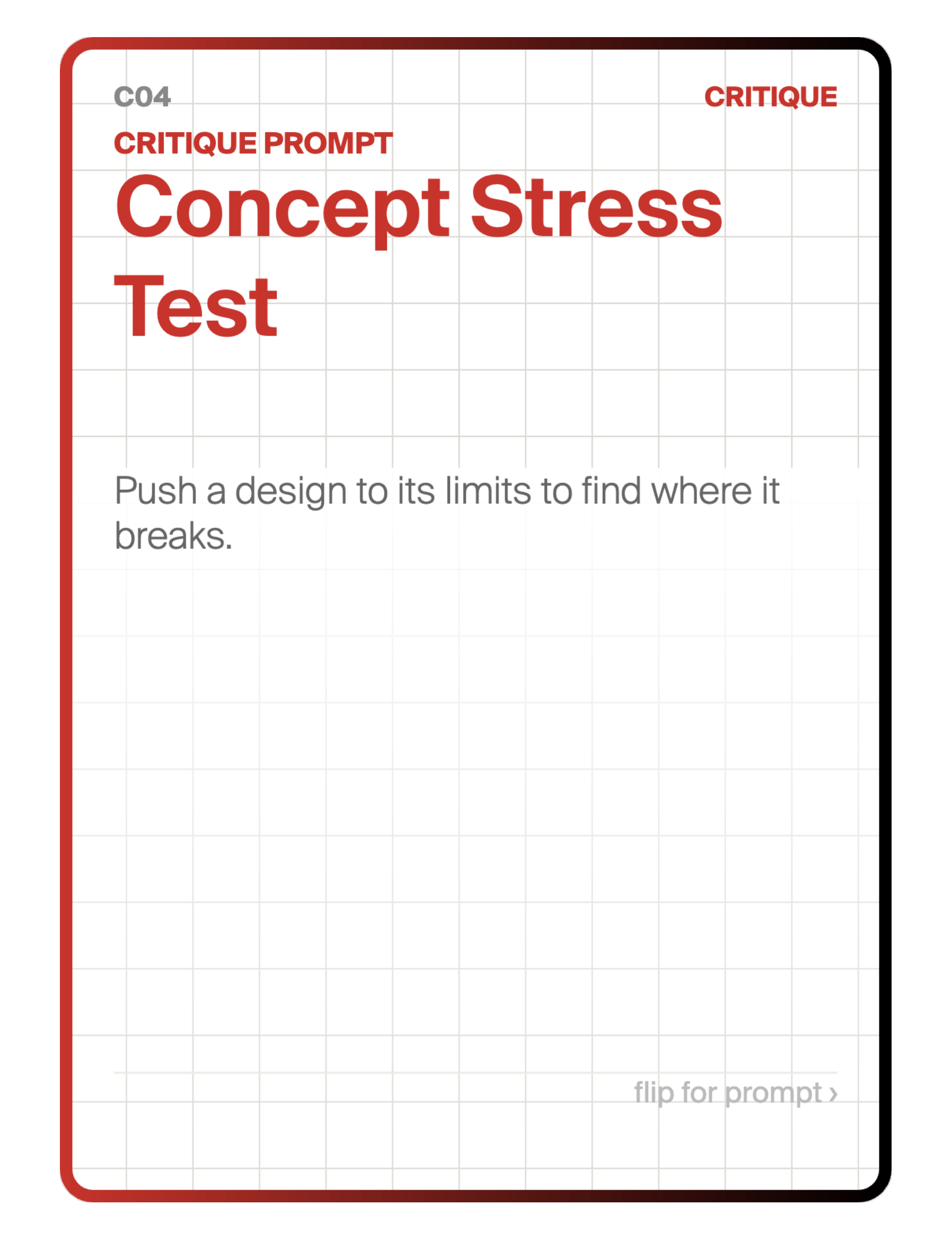
MAIK is a three-layer AI toolkit. Physical cards, a team canvas, and a digital app. It turns individual AI use into a shared team capability.
No code. No new platforms. No IT department required.
Build your team's AI capability in steps. Each layer is designed to be explored together. Move to the next when you're ready.
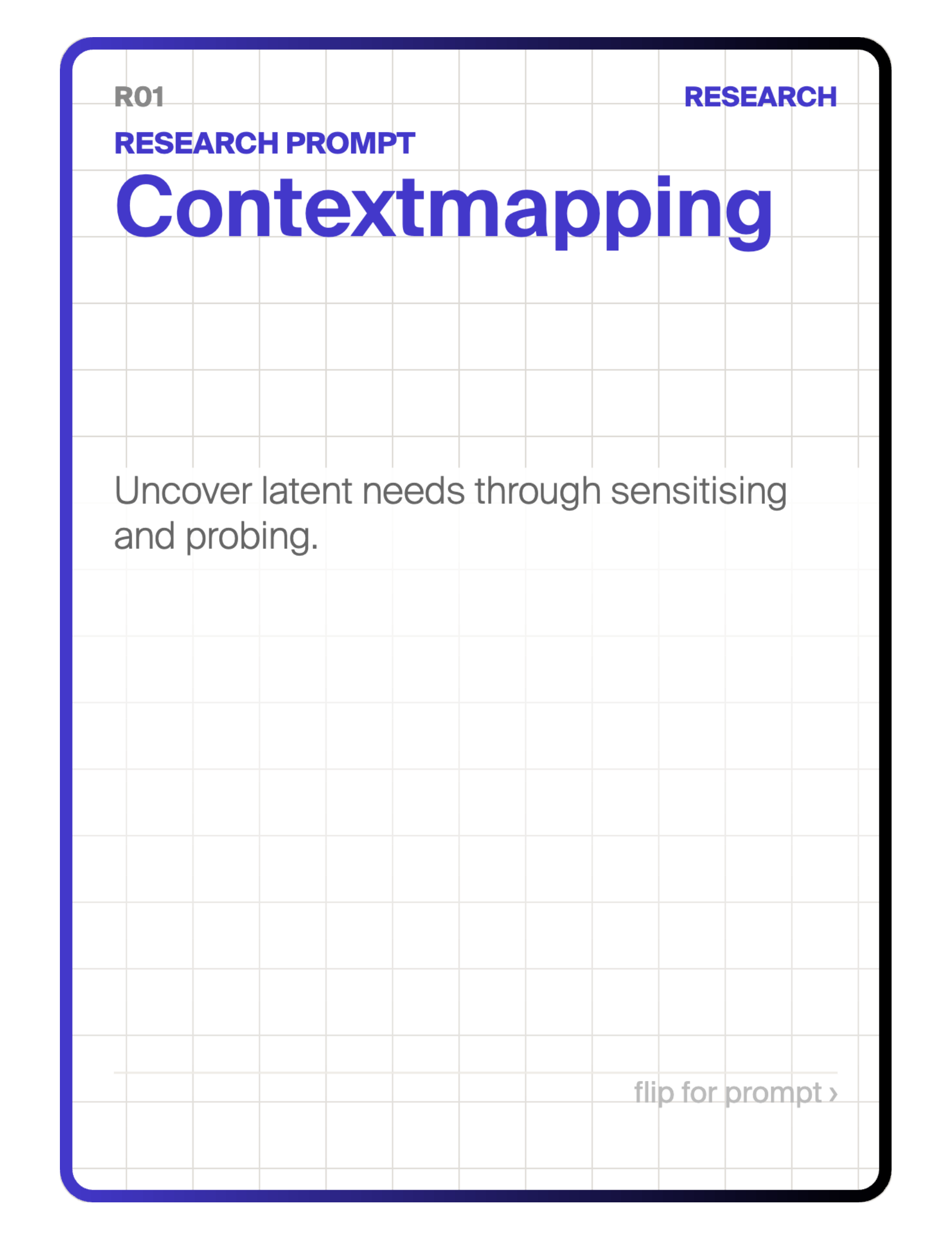
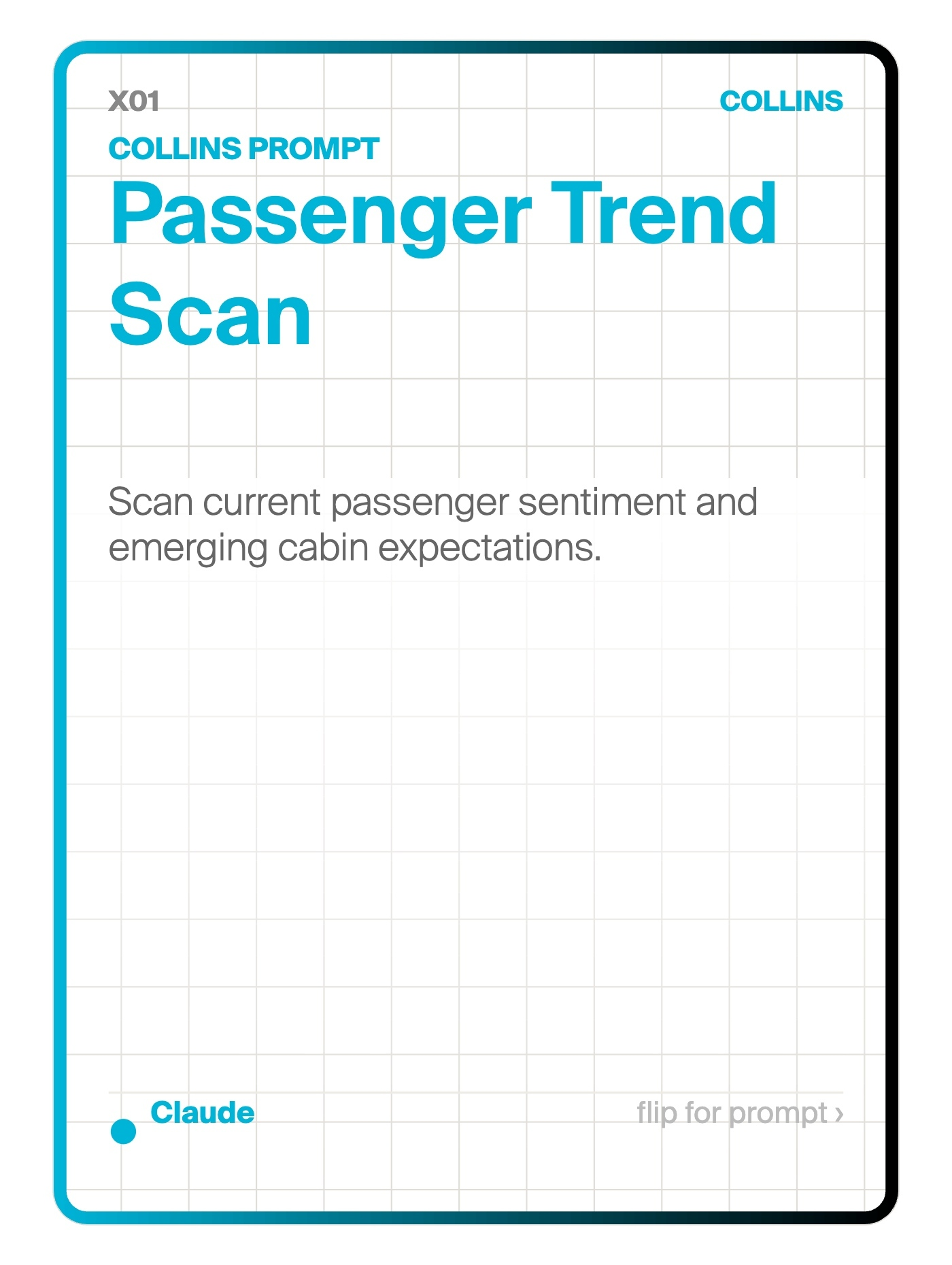
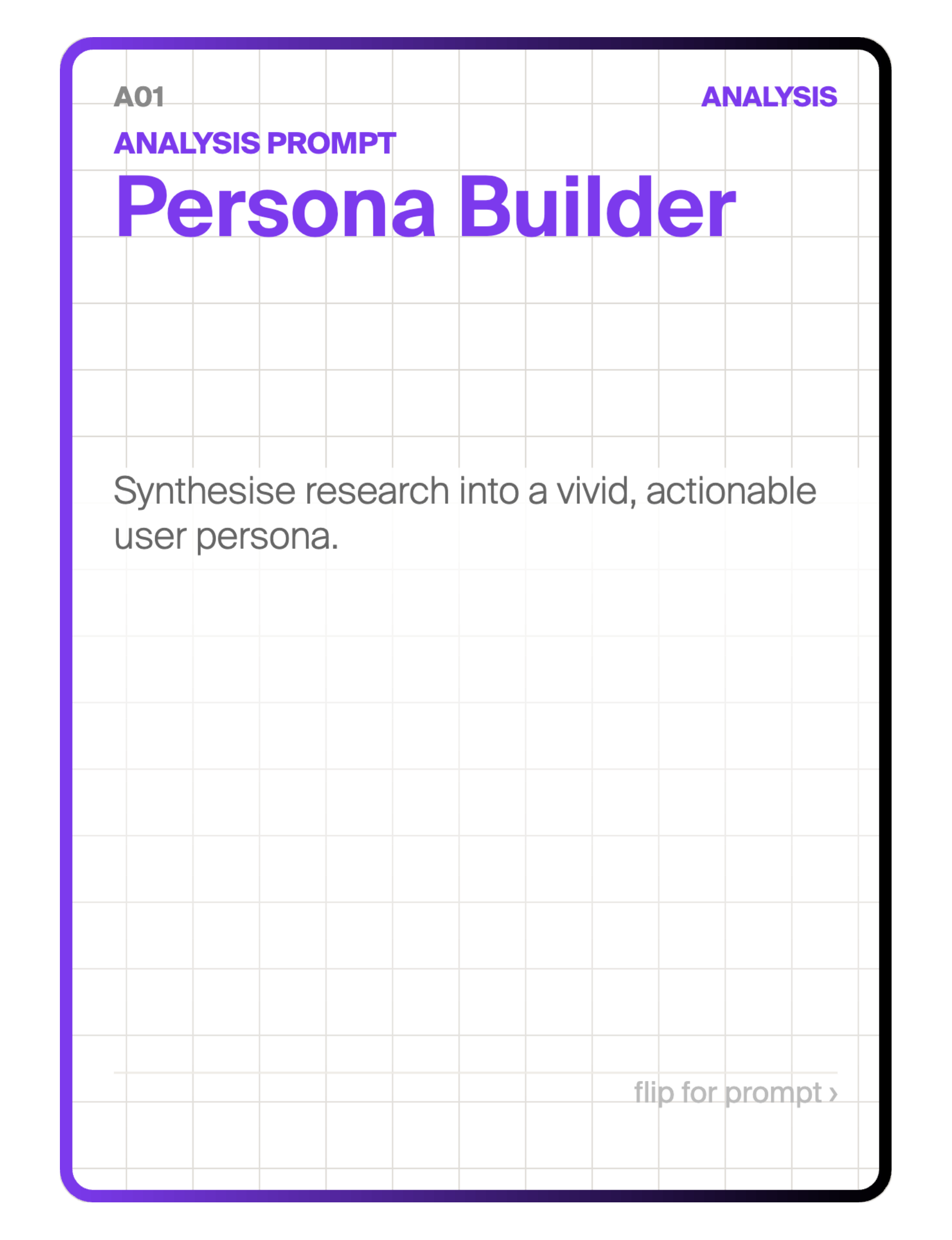
Physical cards, each built around an established design method from the Delft Design Guide. Two-sided: the front presents a recognisable design scenario, the back contains a pre-written prompt with a single bracketed variable. Scan the QR code, fill in the topic, paste into any AI. No prior AI configuration knowledge required.
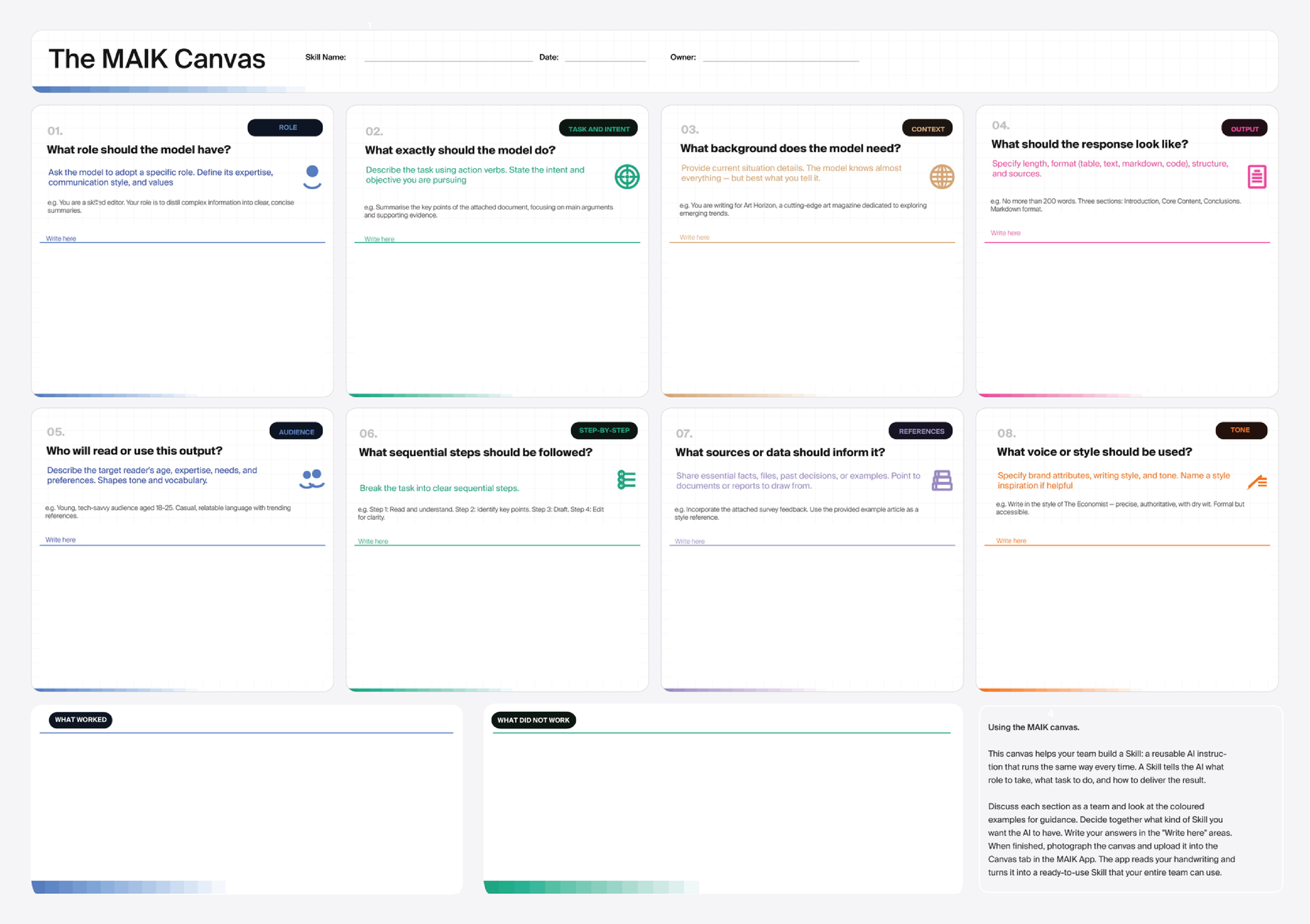
An A3 team artefact adapted from the Prompt Canvas (Hewing & Leinhos, 2024). Eight prompt configuration sections: Persona, Task and Intent, Context, Output, Audience, Step-by-Step, References, and Tone. The bottom row replaces technique recommendations with two reflection fields: What Worked and What Did Not Work. A team fills it in together, one member scans it through the MAIK app, and Claude assembles the handwriting into a reusable MAIK Card saved to the shared library.
demo→
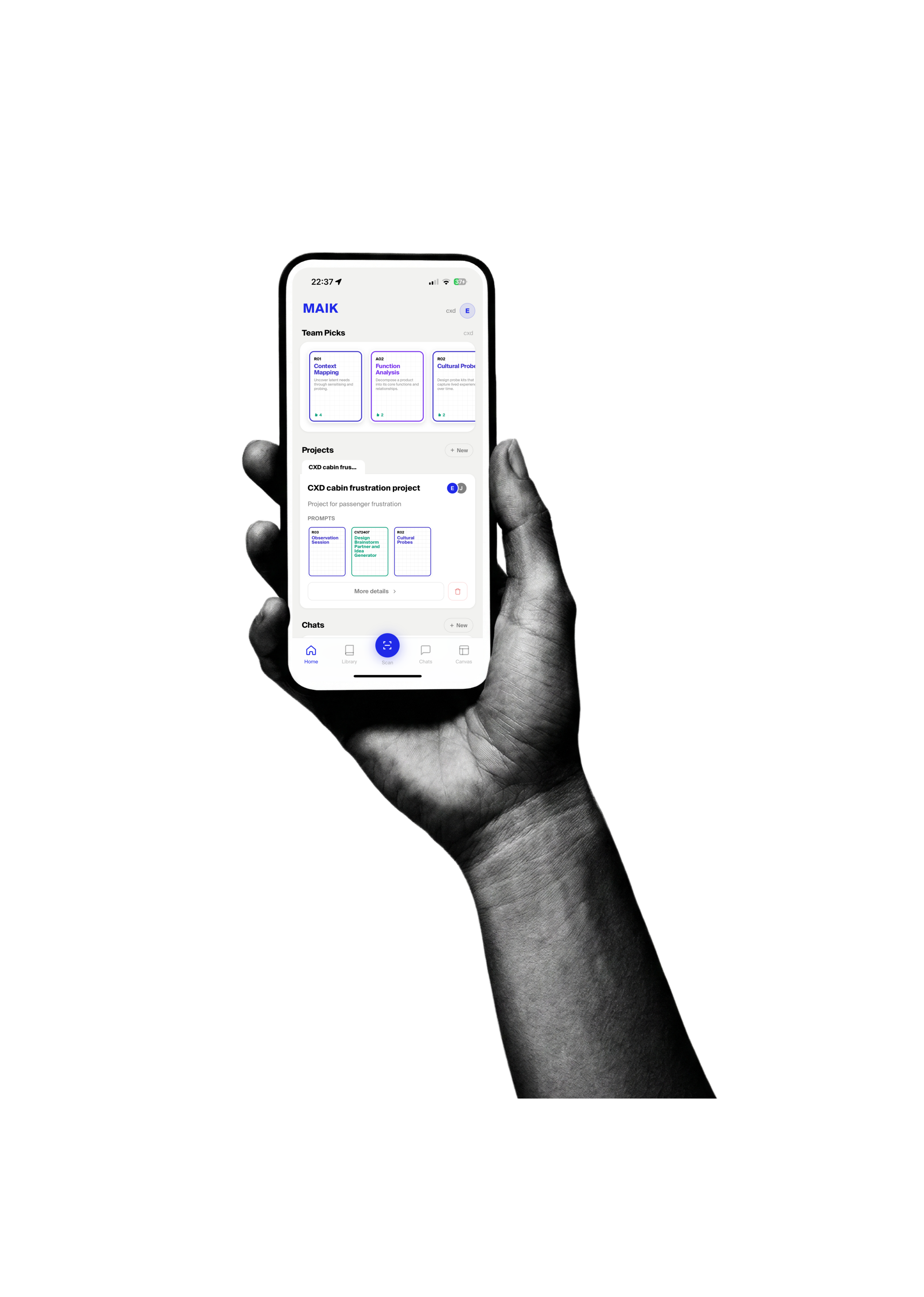
The MAIK app connects physical cards, the team canvas, and Claude Skills in one shared system. Browse all 56 cards by category. Scan any physical card's QR code to copy the prompt to your clipboard and open your chosen AI. Photograph a filled-in canvas and Claude reads your handwriting into a structured prompt card. Save configurations to your personal library. Create custom cards. The app works across locations and time zones so every team member works from the same prompts, the same logic, and the same quality standard.
demo→
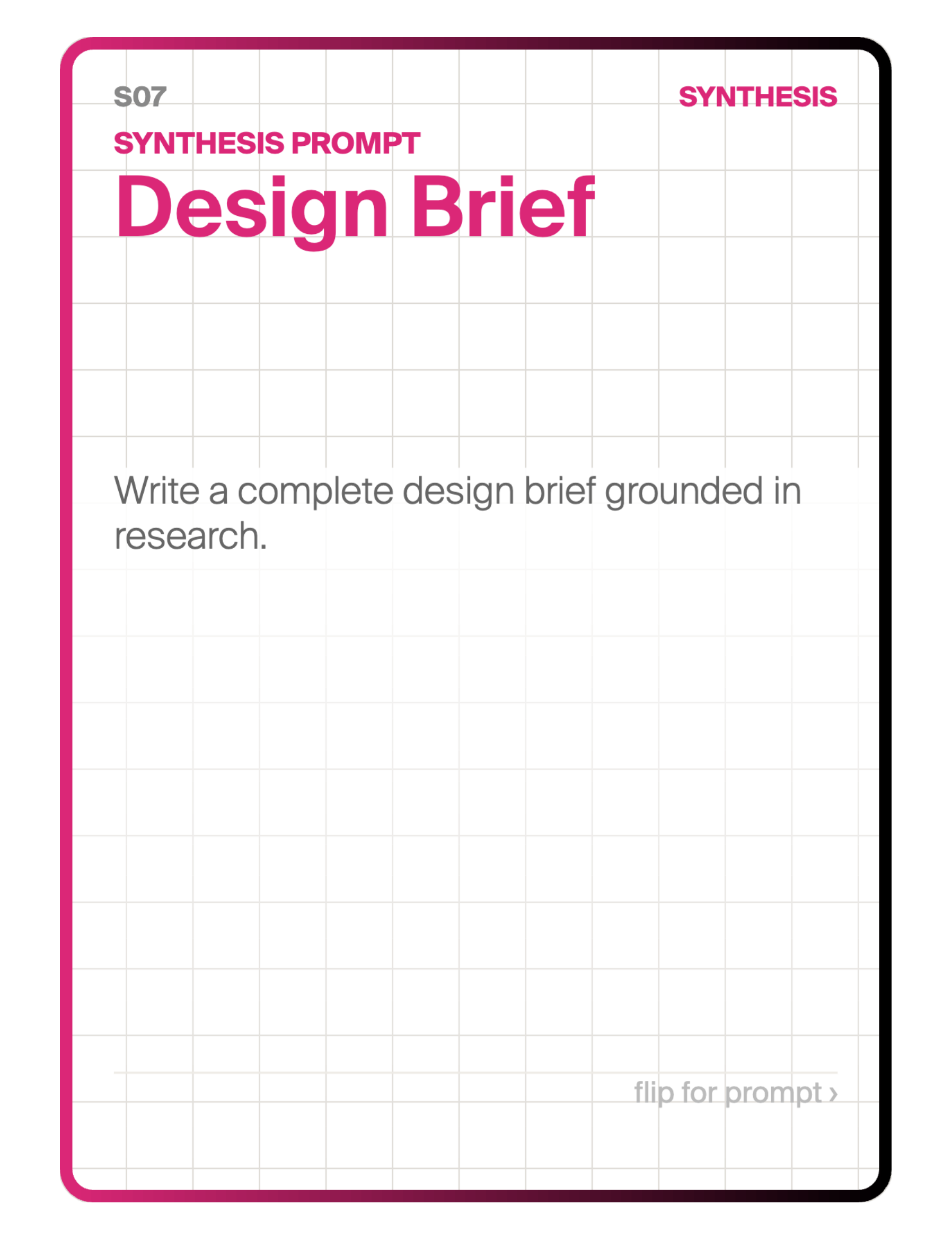
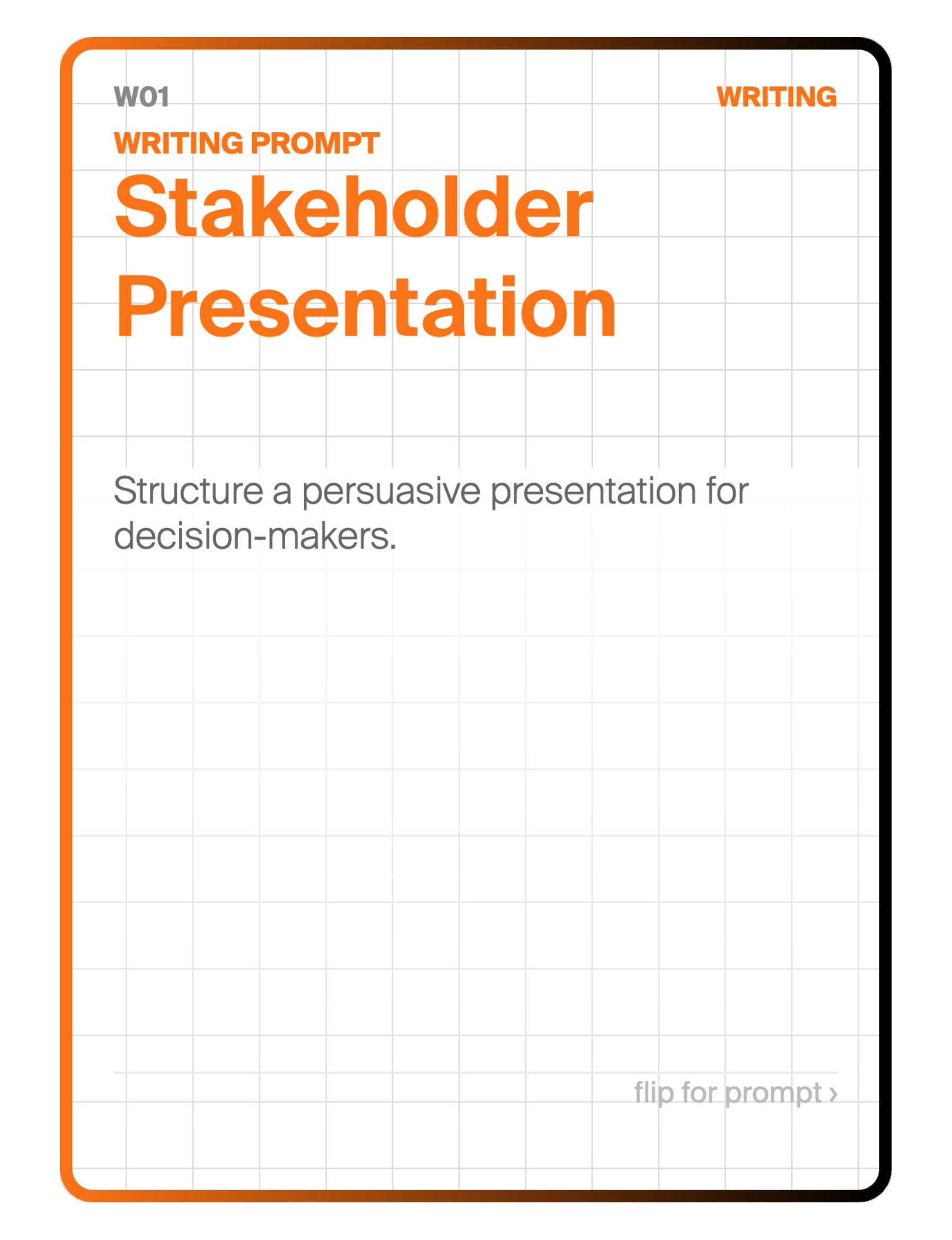

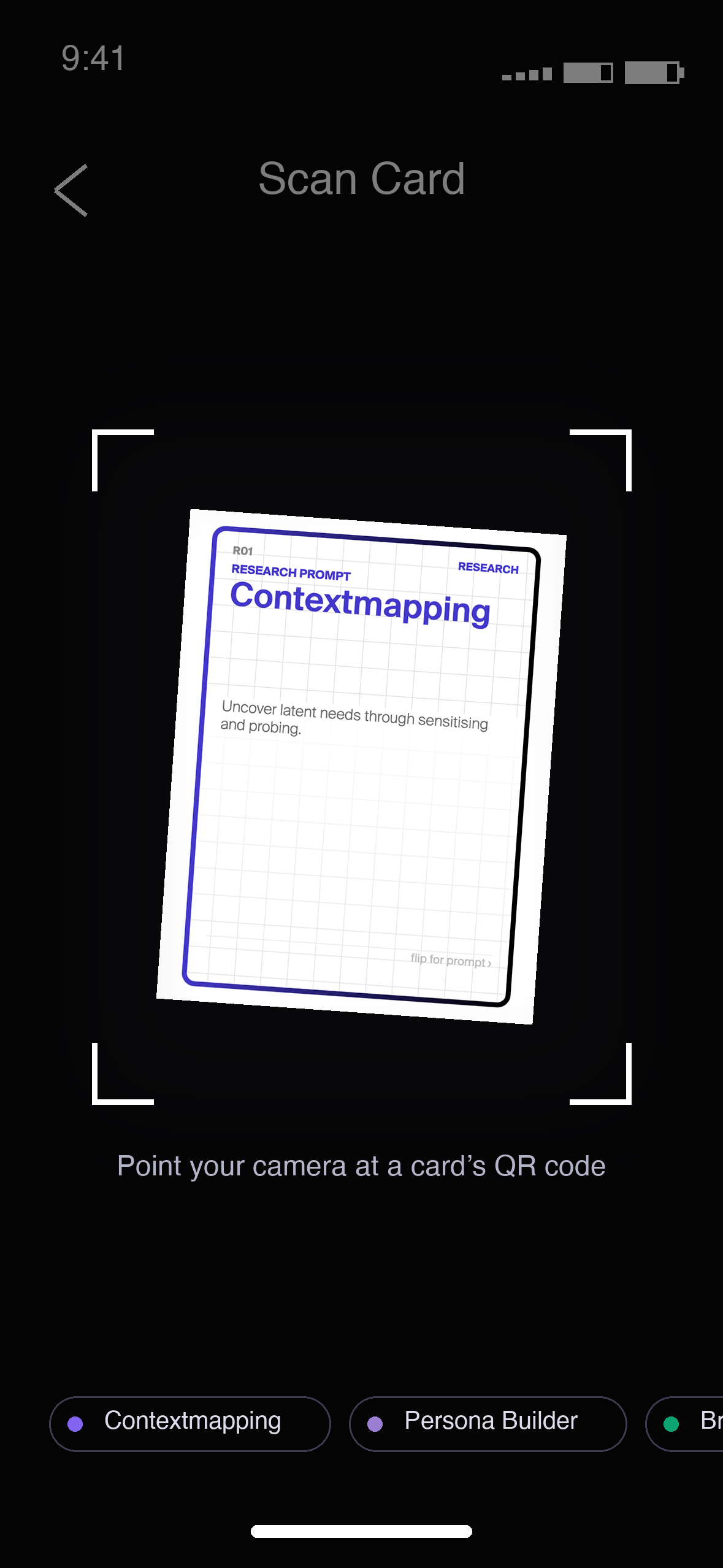
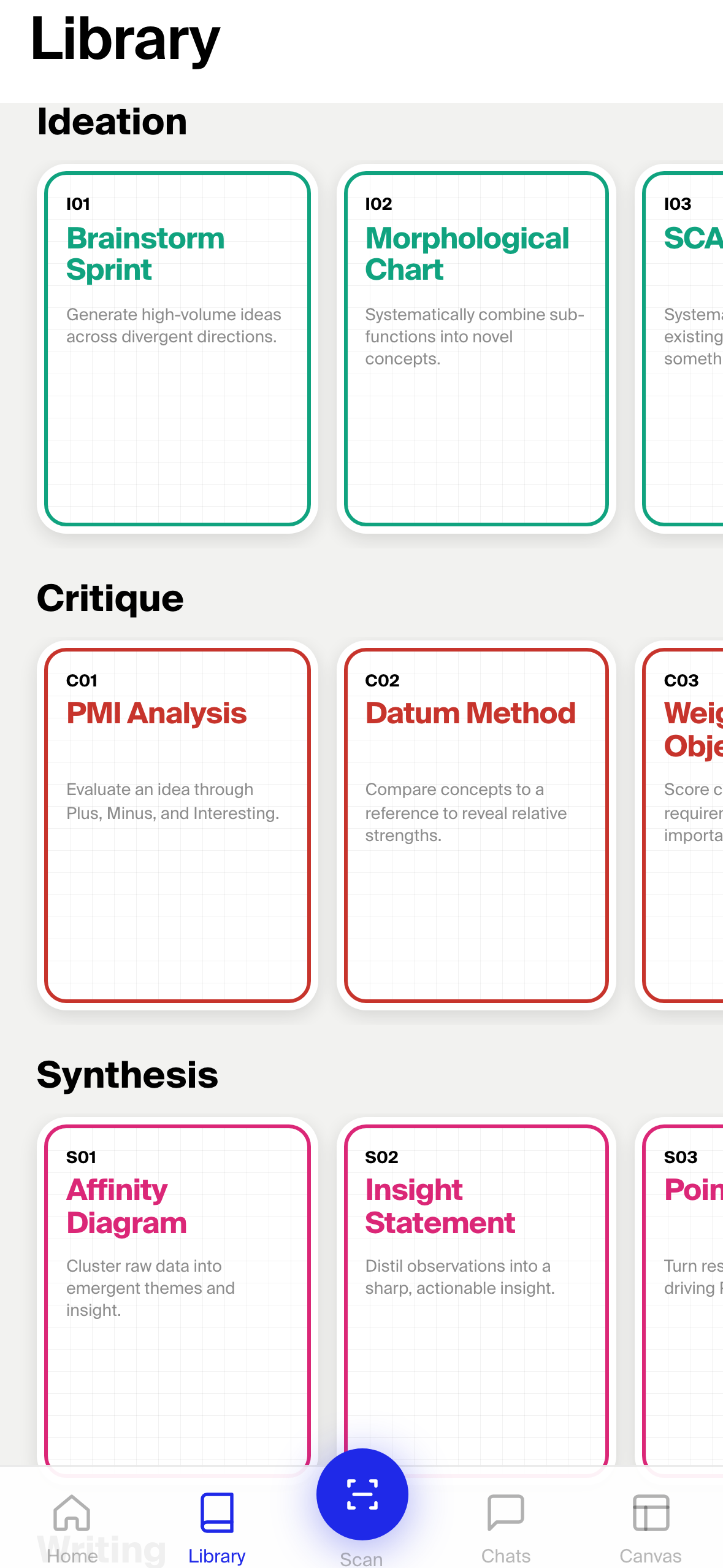
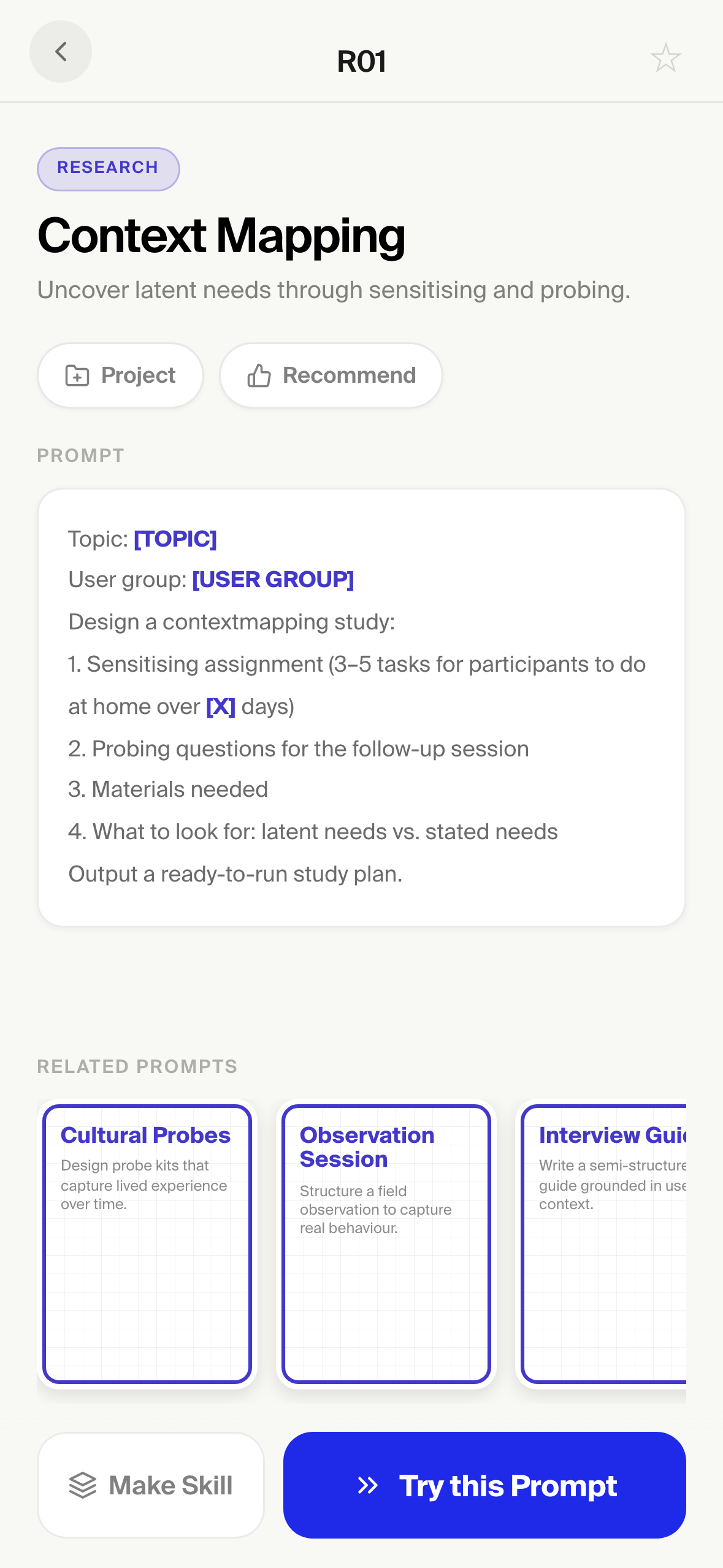
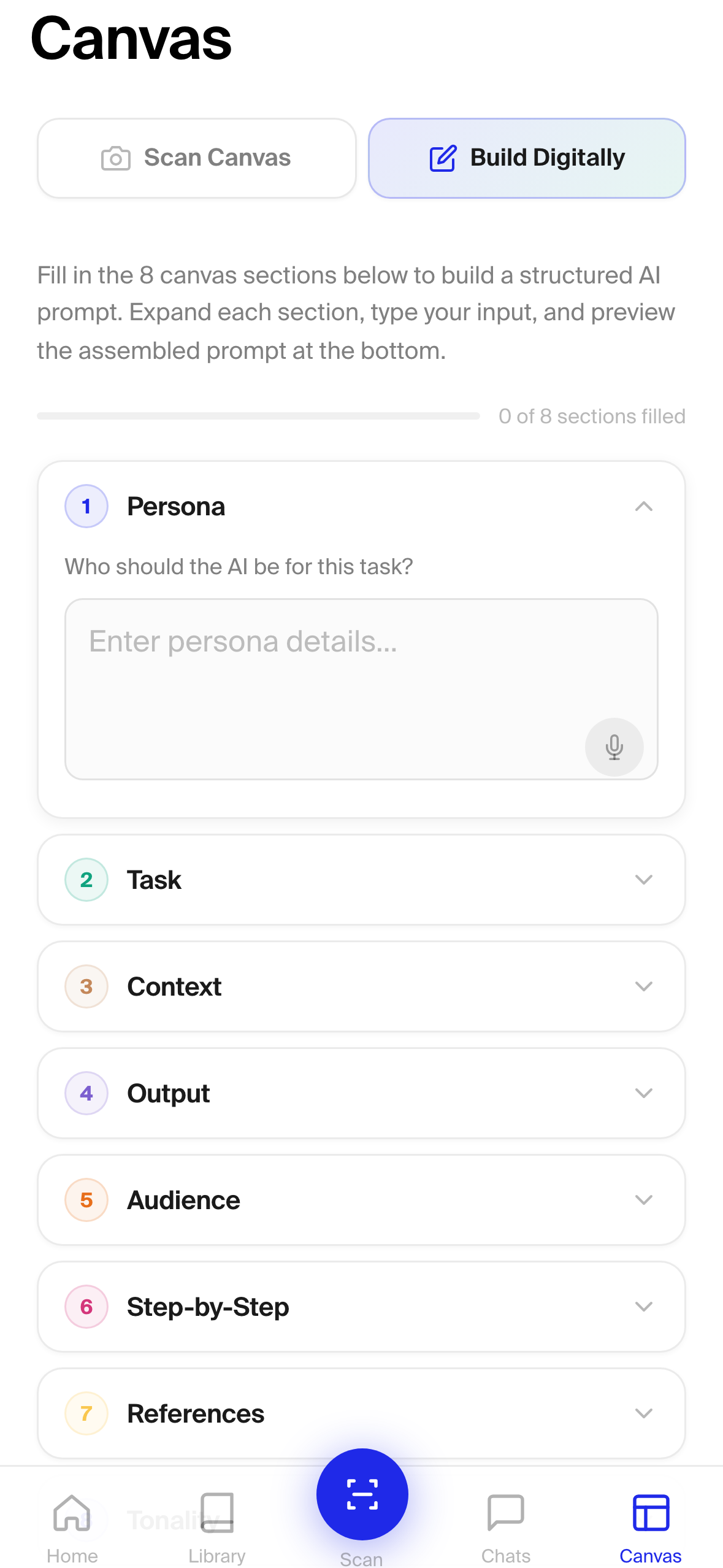
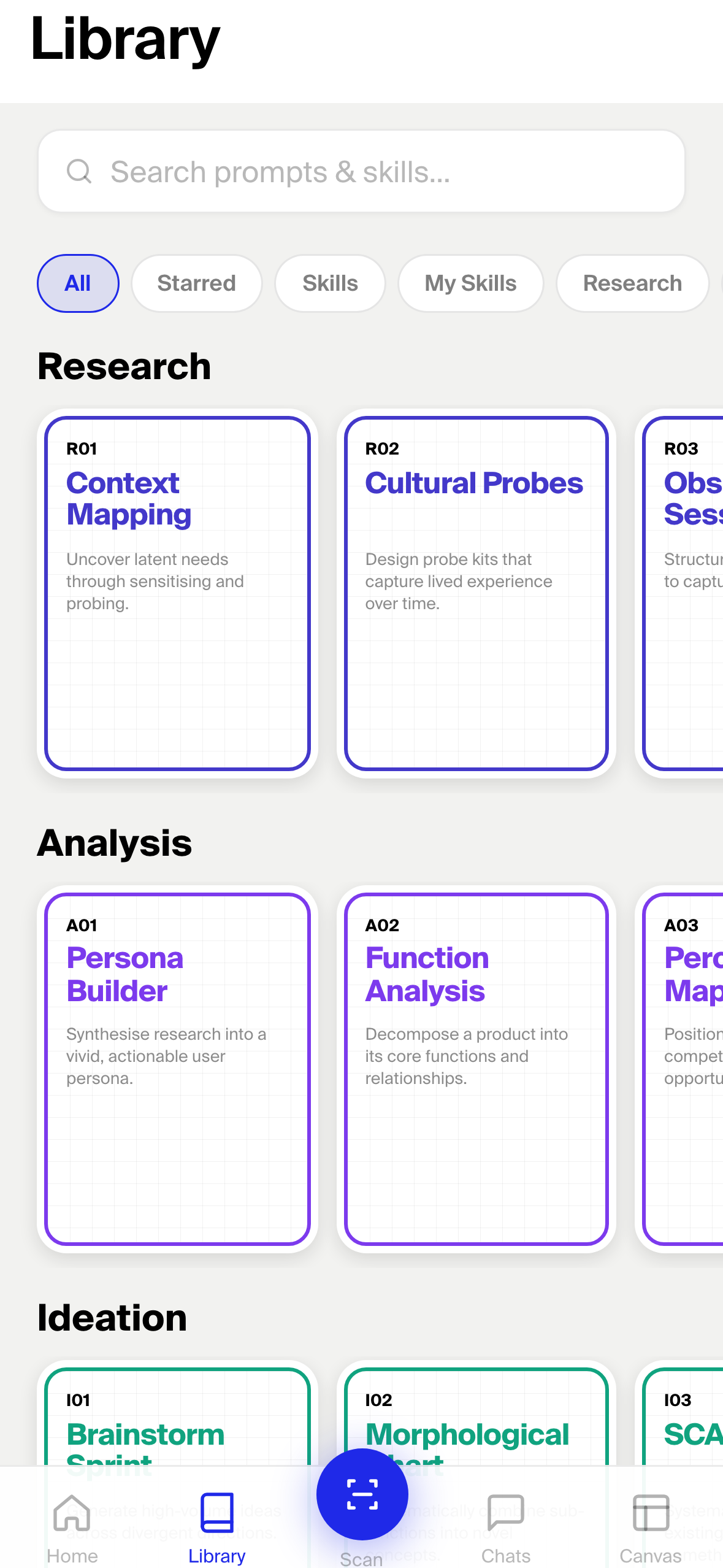
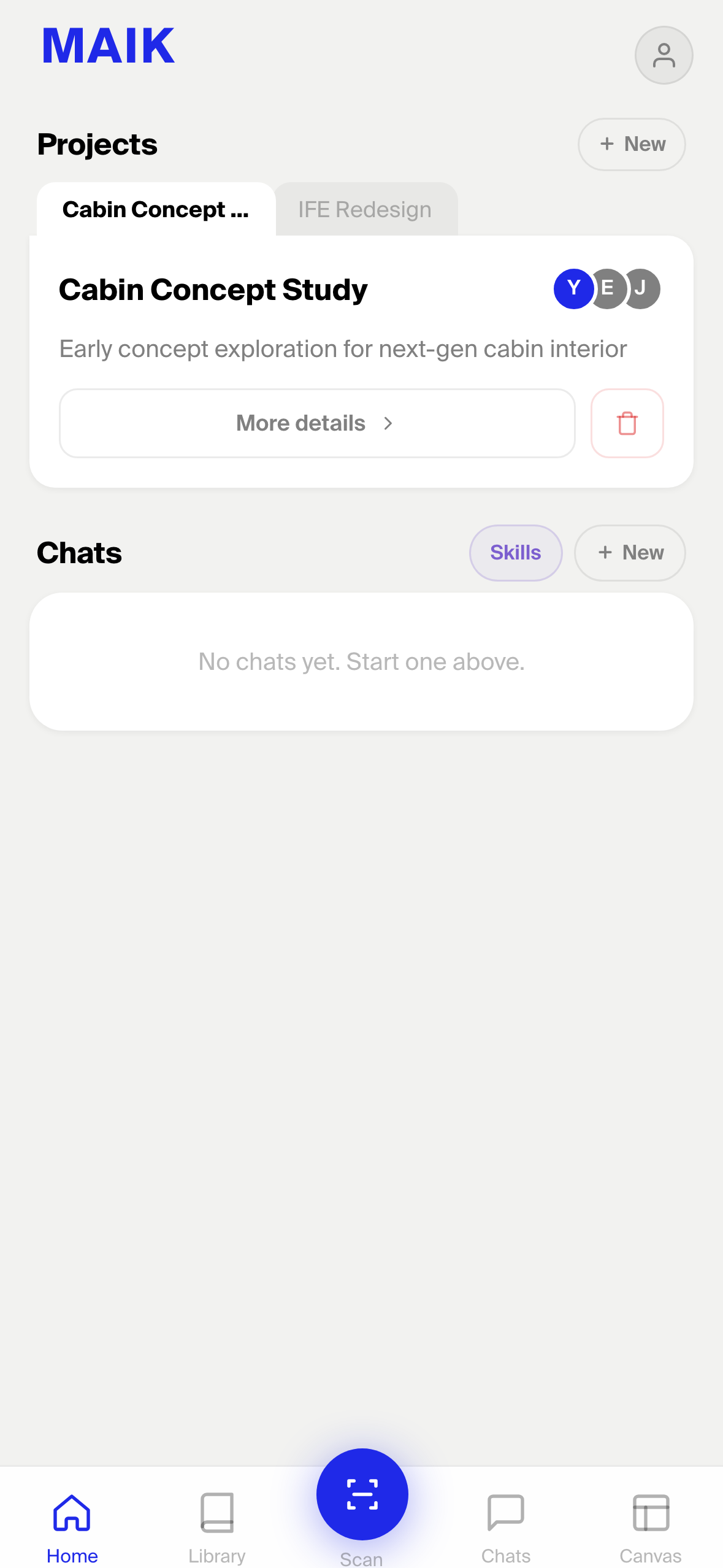
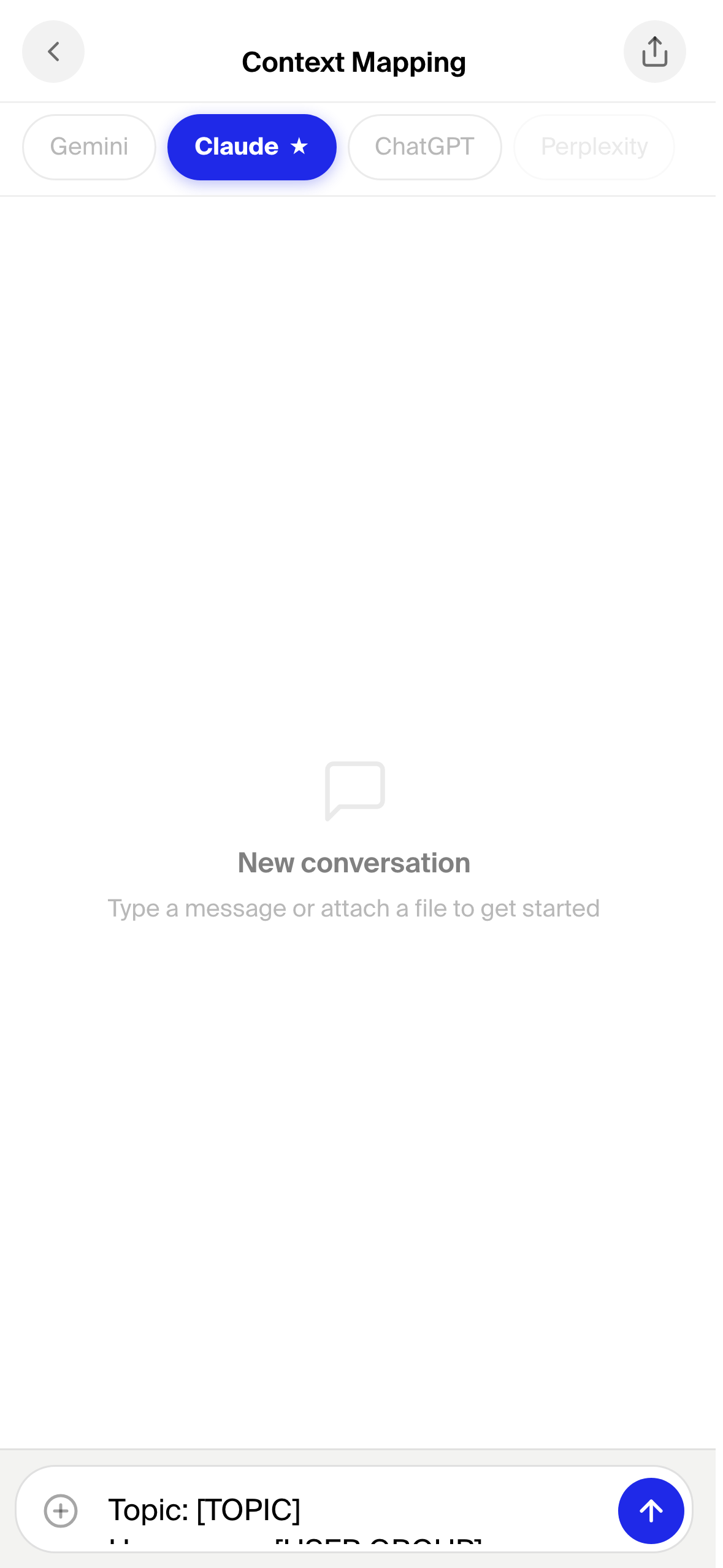
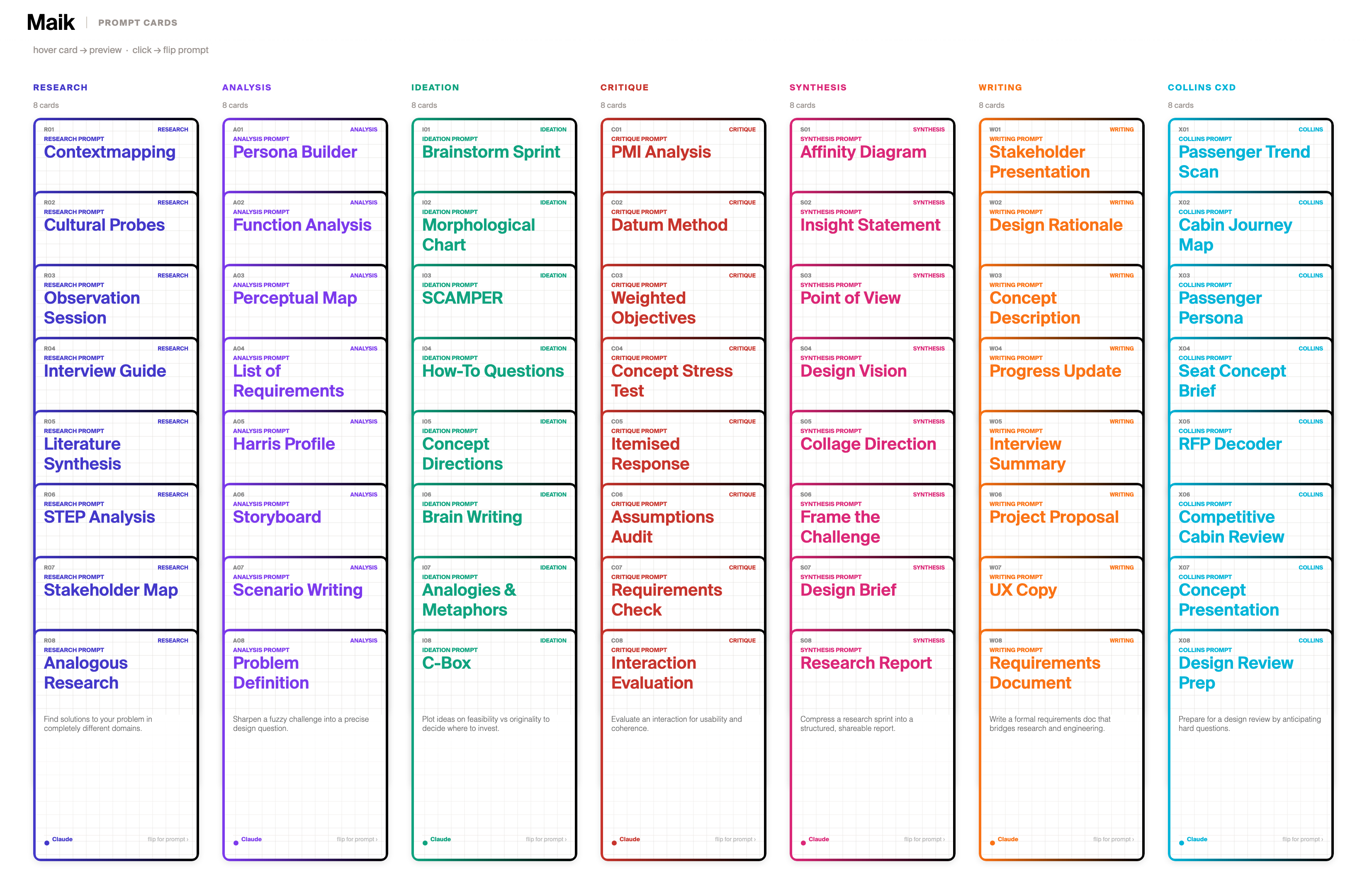
If your team is distributed, the same MAIK cards live in the desktop browser and the mobile app. Same prompts, same logic, available wherever your team explores AI together.
Browse every card, save your team's go-to prompts, and discover what AI can do for the way your team works.
A Skill is a long, structured prompt — your team's best AI configuration, saved and reusable. Think of it like picking the right tool for the work in front of you: each Skill is built for one specific job, and your team always knows which one to grab.

Searches the web and video transcripts for a topic, extracts the key claims with their sources, verifies them, and bundles everything into a structured dossier you can read in five minutes.
Takes a written brief or research dossier and turns it into a presentation deck with the right structure, hierarchy, and tone — no manual slide-juggling required.
Acts as a thinking partner during early-stage ideation: summarises rough notes, surfaces fresh angles, and generates concept variations the team can react to.
Save your go-to prompts and Skills into a shared project file. Your whole team works from the same structured library, with no duplicated effort and no scattered knowledge.
The step from MAIK Canvas to a Skill is a natural extension. The Canvas teaches designers to structure AI interaction into eight components. A Skill is the persistent, automatically triggered version of that same documented configuration. The Canvas is a session artefact. The Skill is what that artefact becomes when it is formalised, uploaded, and made reusable for every future session.
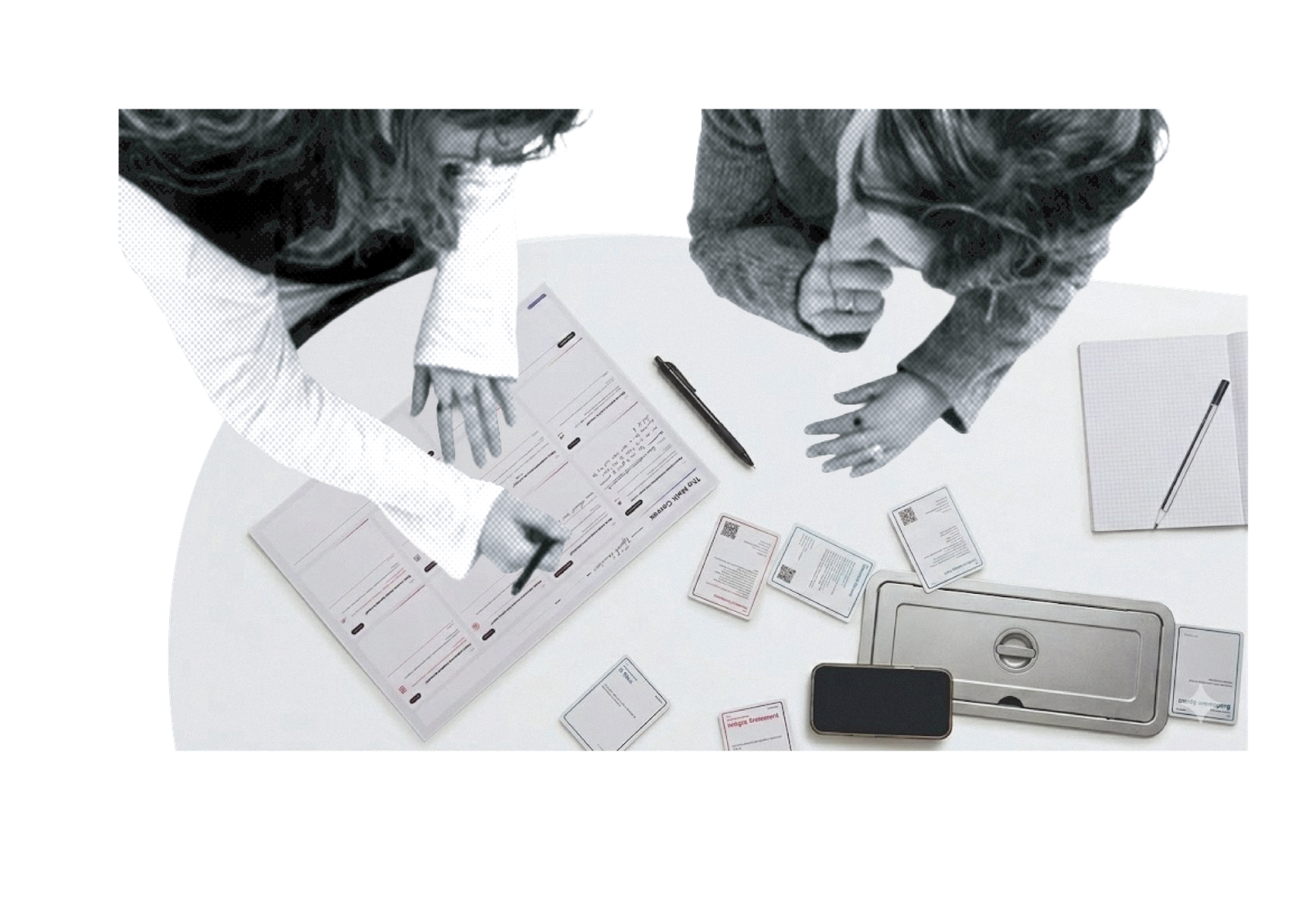
Photograph a filled-in canvas and the app reads your handwriting into a structured prompt card your whole team can run.
Call one Skill in the chat, review the output, then hand it off to the next Skill. The human review checkpoint stays with you.

One good prompt helps one person once. A structured configuration helps everyone, every time. MAIK turns individual AI experiments into shared, repeatable workflows your organisation can build on.
A three-minute walkthrough of the full system — the cards, the canvas, and the Skills working together.
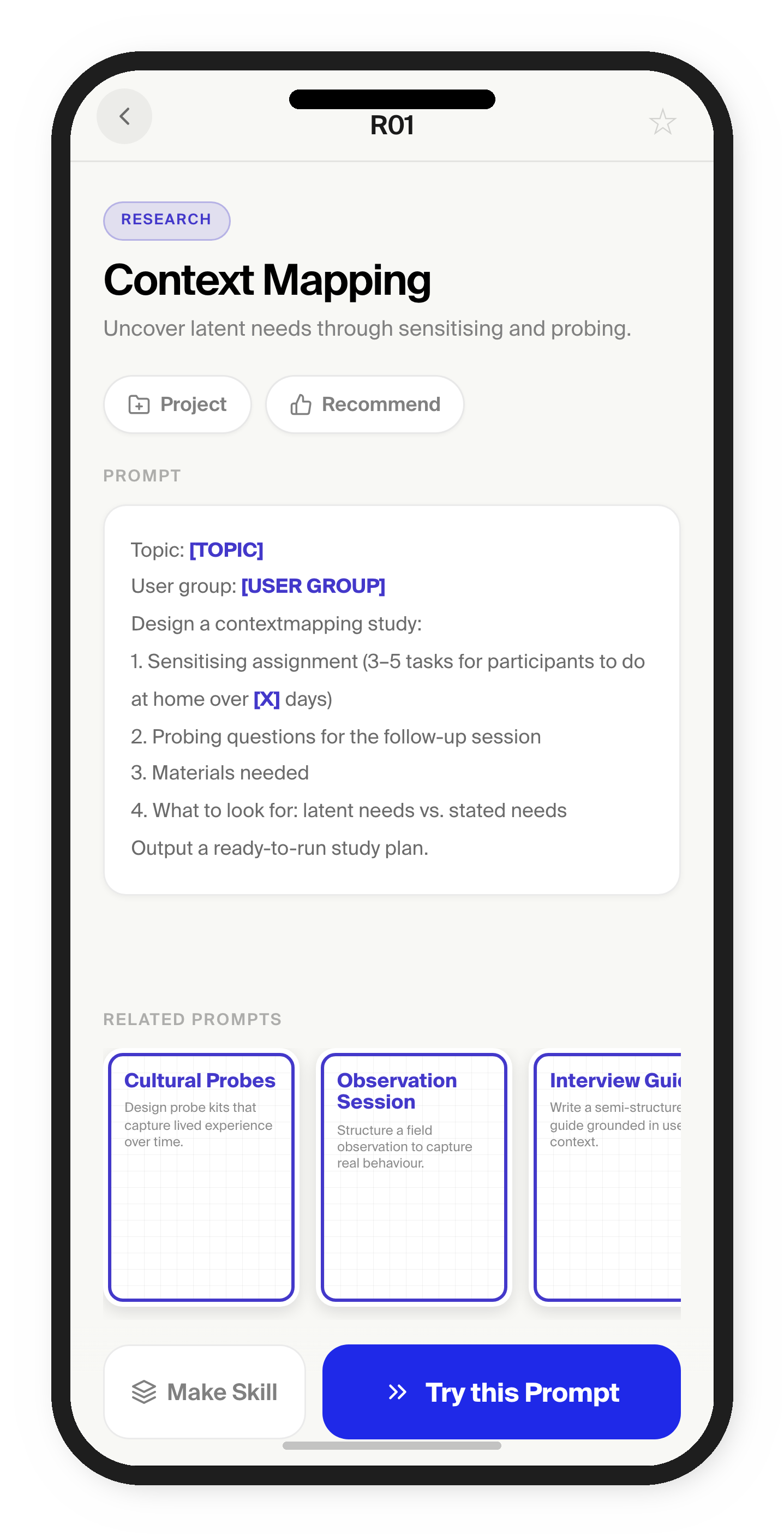
Explore the designed artefacts
Browse all 56 MAIK Cards across 7 categories. Each card is a design method reformatted as a structured AI prompt.
→The digital companion to the A3 poster. Fill in the eight prompt configuration sections and preview the assembled prompt.
→Create custom MAIK Cards. Add a title, tagline, category, AI tool, and prompt text to build your own configurations.
→